
What is Assignment Progress Review?
When a client updates an assignment from the mobile app, that update is reflected back in the Client Toolkit. This allows providers to track client progress and outcomes over time without waiting for a scheduled session.
Who Can Review Assignment Progress
- Organization Administrators and Team Members - Can review progress for clients assigned to them
- Clients - Can view and update their own progress from the mobile app
How to Review Assignment Progress
- Go to the client's Client Toolkit and select Assignments.
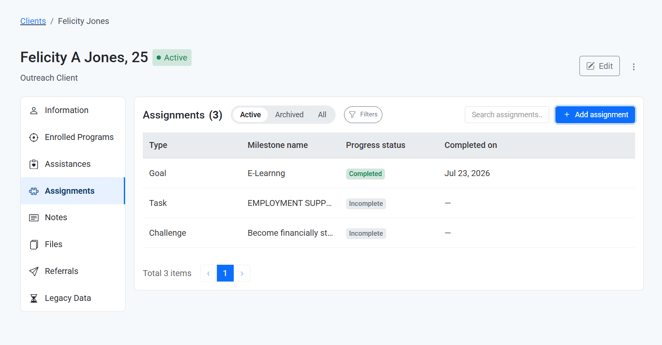
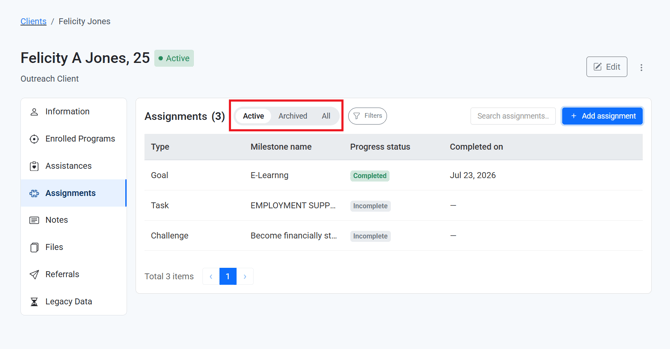
- Review the list of active, archived, or all assignments.
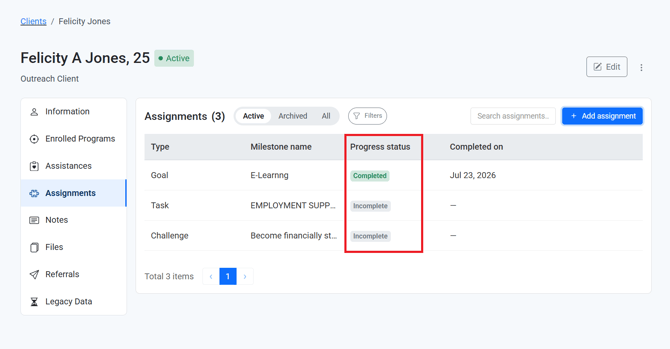
- Check the progress status column for each goal, task, or challenge (Incomplete, Complete, or Late).
- Open an individual assignment to view any notes or additional detail.
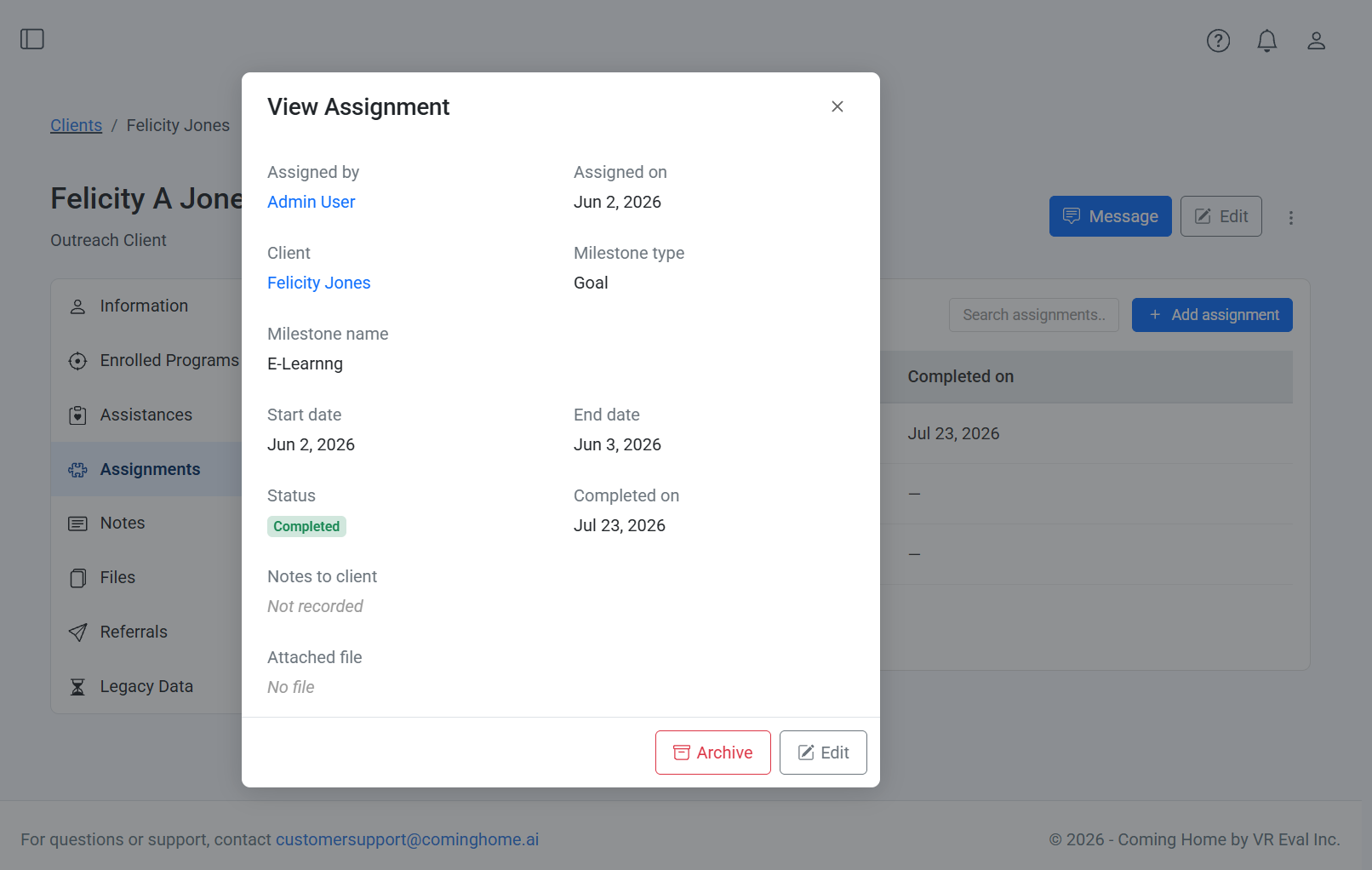
Why it matters: Reviewing assignment progress supports measurable impact tracking and helps providers understand how a client is doing between sessions.
Tips/Best Practices
- Review progress before each session: This helps you tailor the conversation to what the client has already worked on.
- Follow up on incomplete or late tasks with care: Use it as a starting point for a supportive conversation, not a compliance check.
Related Articles
- Overview of App and System Connectivity
- Assigning Goals, Tasks, and Challenges to a Client
- How an Assignment You Create Appears in the Client's App
- How Assignment Completion Triggers Provider Notifications
Need more help?
If you have questions about reviewing assignment progress:
- Reach out to your Organization Administrator for guidance on permissions and workflows
- Contact the Coming Home support team for technical assistance