
What is the Client App Login Process?
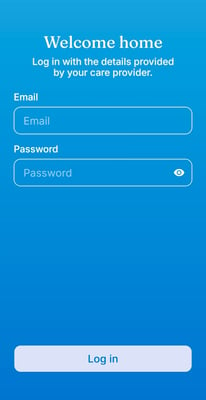
Clients cannot self-register for the Coming Home mobile app. Instead, their account is created and enabled by their care provider or organization through the web platform. Once credentials are created, your client can log in and begin using the app.
Who Can Log Into the App
- Clients
- Can log in only after their care provider has enabled mobile app access and created their credentials
- Cannot self-register or create their own account
- Care Providers
- Do not use the mobile app; they manage client access from the web platform
How Your Client Logs In
- Your client receives their app credentials, including a temporary password, from you or your organization.
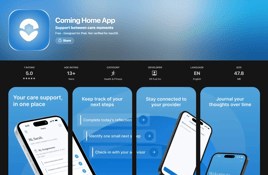
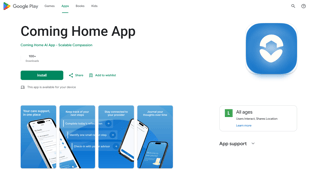
- Your client downloads the Coming Home mobile app (available in the Apple Store and Google Playstore)
- Your client enters their credentials to log in for the first time.
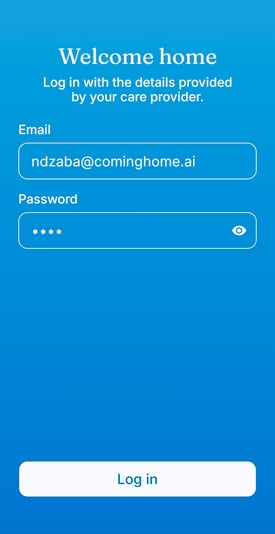
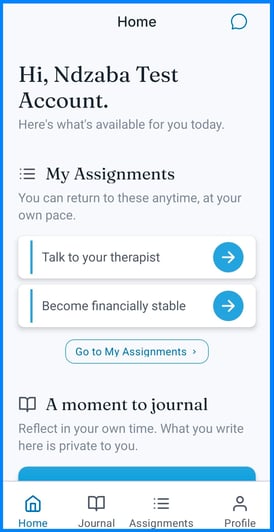
Why it matters: This login model ensures the mobile app stays connected to your organization's care workflow, so only clients who are actively receiving care can access it.
Tips/Best Practices
- Walk your client through their first login: A short walkthrough during a session can prevent confusion later.
- Let your client know what to expect: Explain that they'll see their assignments, a way to message you, and a private journal.
Related Articles
- Overview of App and System Connectivity
- Enabling Mobile App Access for a Client
- Client App: Getting Started / Navigation Basics
Need more help?
If your client has trouble logging in:
- Confirm their credentials were created correctly in the web platform
- Contact the Coming Home support team for technical assistance