
What is Team Chat?
In addition to client messaging, the Coming Home web platform includes chat functionality for team members within the same organization. This allows care providers and team members to communicate with each other through the CCMS, improving coordination and keeping communication connected to the platform experience.
Who Can Use Team Chat
- Organization Administrators and Team Members
- Can message other team members within the same organization
- Cannot message team members from other organizations
- Clients
- Do not have access to team chat
How to Message a Team Member
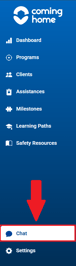
- Go to the Chat section of the web platform.
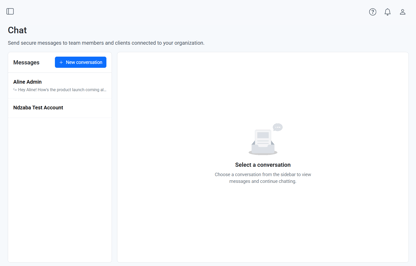
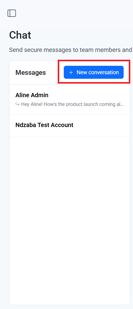
- Select the colleague you'd like to message.
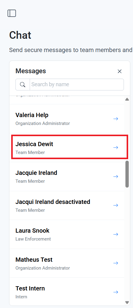
- Review any existing conversation history.
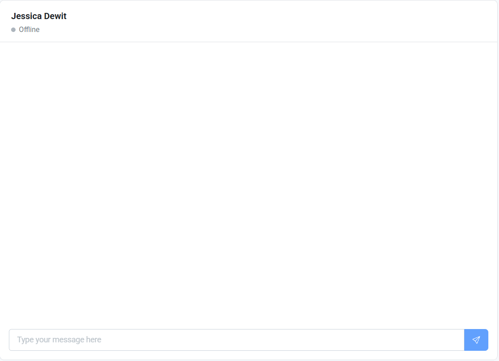
- Type and send your message.

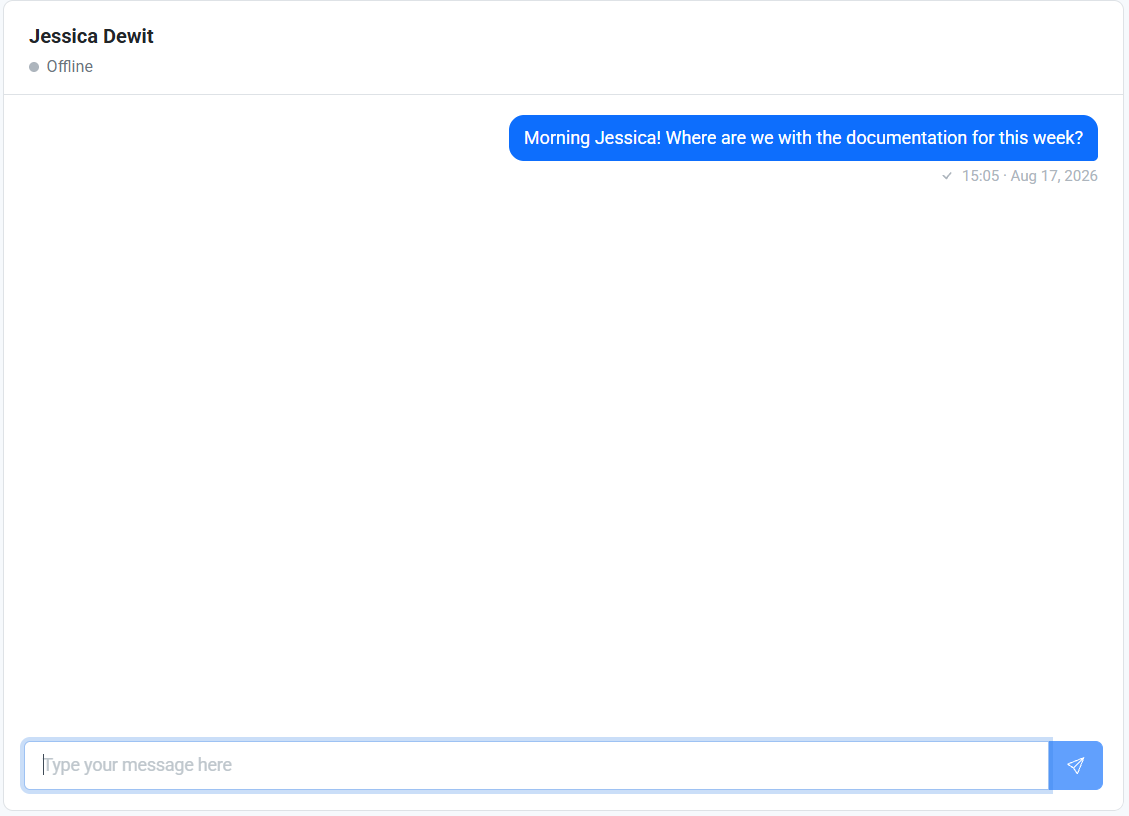
Why it matters: Coordinated care depends on coordinated communication. Team chat keeps internal conversations about shared clients or caseloads inside the platform, rather than scattered across outside tools.
Tips/Best Practices
- Keep client-related discussion in the platform: Using team chat instead of outside messaging apps helps keep sensitive conversations secure and on the record.
- Use it for quick coordination: Team chat is best suited for day-to-day check-ins, not formal case documentation (use Notes for that).
Related Articles
- Overview of App and System Connectivity
- Messaging a Client from the CCMS
- Notifications: Staying Informed on Client Activity
Need more help?
If you have questions about team chat:
- Reach out to your Organization Administrator for guidance on permissions and workflows
- Contact the Coming Home support team for technical assistance